
Dealer portals & inventory
How it works
Send dealer invitations in bulk, then link each login to the booths it should access. Admins keep the mall-wide inventory and reporting view.
Add an item in one form, with a photo when you have one. Review lookup drafts, edit inventory, and choose which items appear in the mall storefront.
My Booths brings assigned booths together on the web. View combined sales, inventory, rent, and recorded payments, then choose a booth for its details.
What's included
- Role-scoped views: admin, cashier, booth owner
- One web login for multiple assigned booths
- Dealer inventory, optional photos & lookup drafts
- Bulk dealer invitations
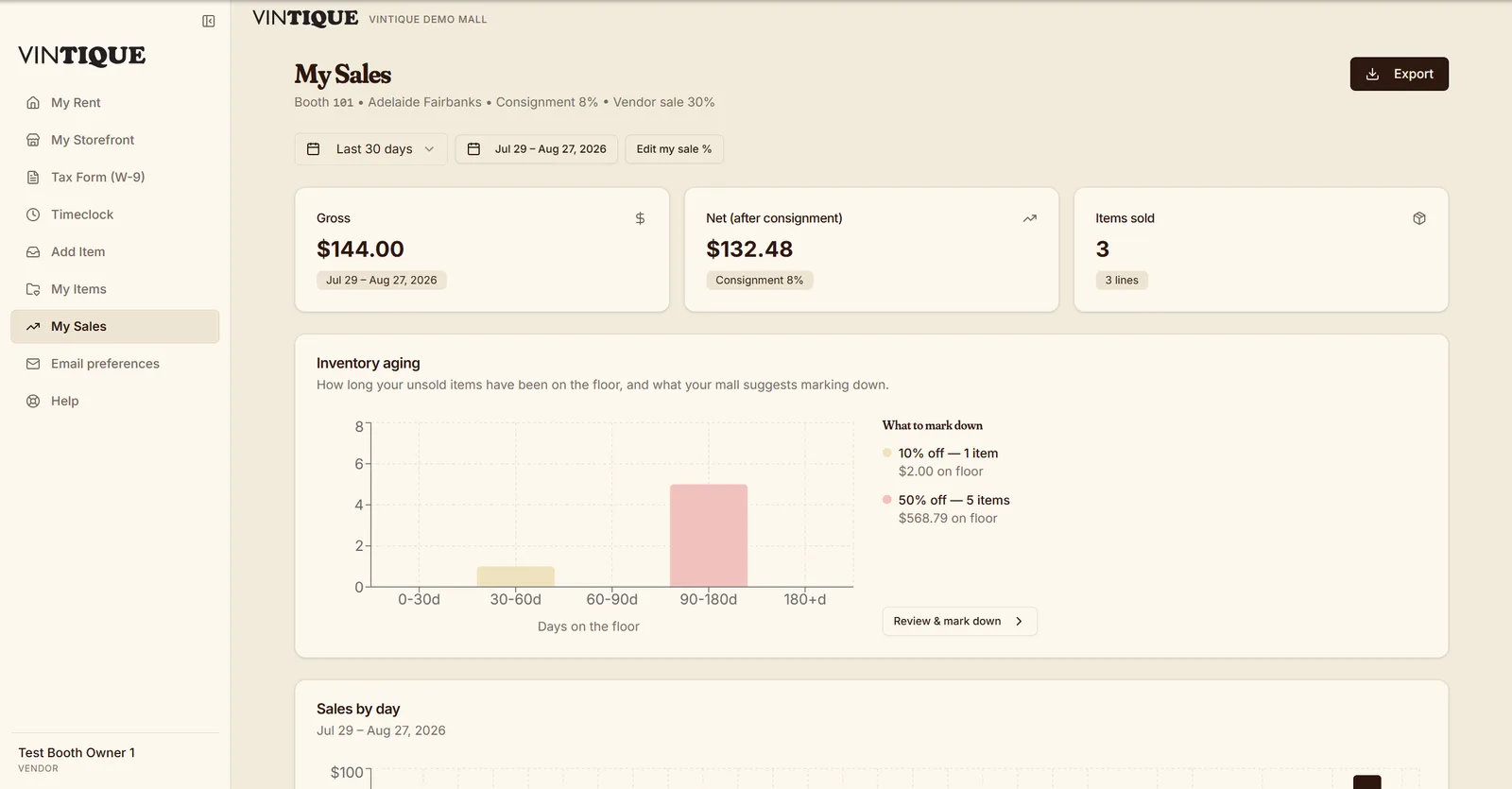
- Private sales, rent & itemized statements
- Self-service W-9 / tax info
- Register view safe for a shared counter screen
- iOS companion app for owners and admins
Questions malls ask
Can a cashier see what vendors earn?
The register view shows no earnings — money reports stay with admins. A cashier who is also a booth owner sees their own numbers in their booth-owner portal, never on the shared counter screen.
Do vendors need to be invited one by one?
No. Admins can send invitations in bulk from Booth Owners. Dealers set their own passwords, and the office controls which booths each login can access.
Is there a mobile app?
Yes — an iOS companion app for item capture and checking sales on the go. The web portal works on any phone browser.
Go deeper:Vendor portal best practicesVendor management for antique malls — from Insights