
Dealer payouts & 1099s
How it works
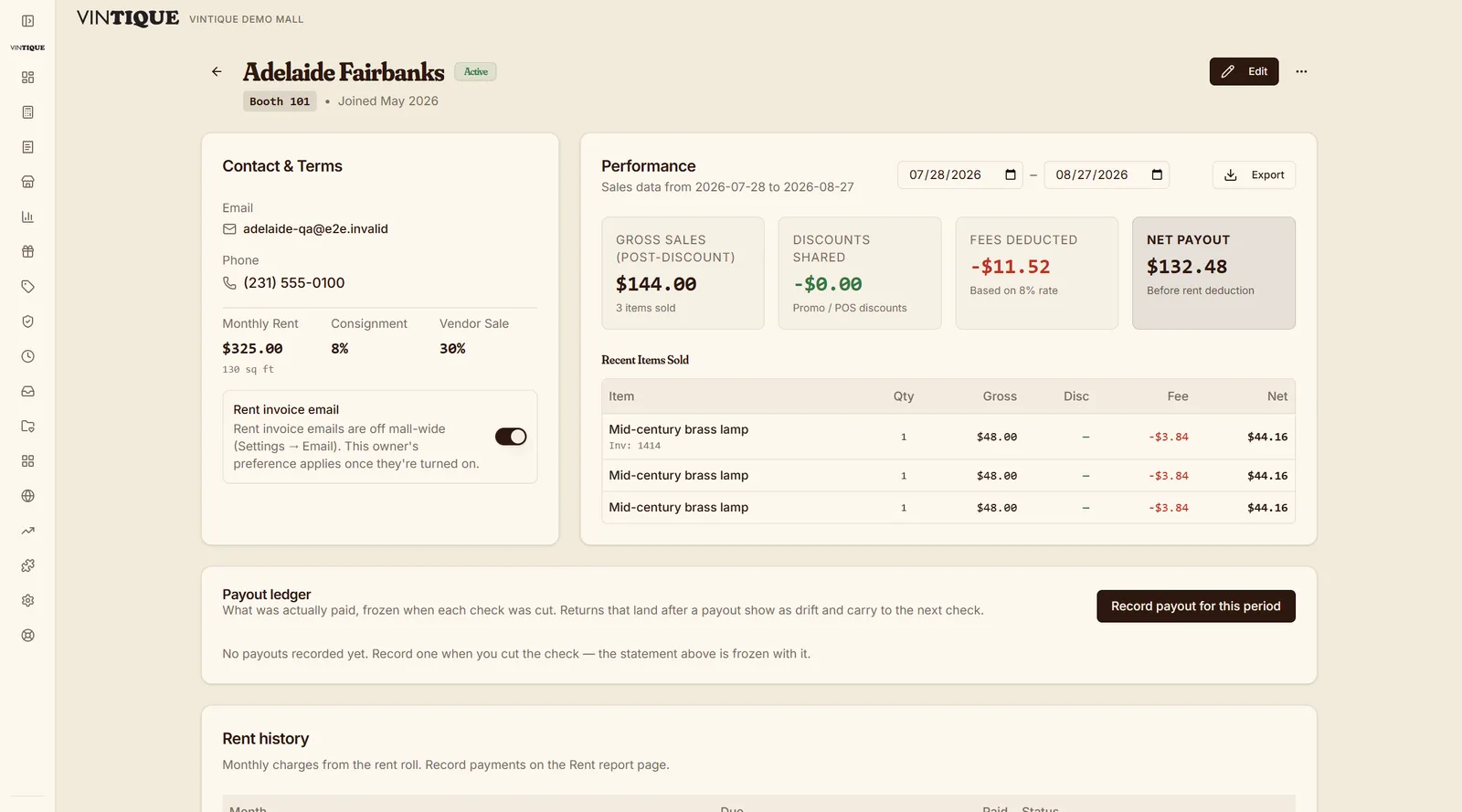
Each item on the receipt is credited to its booth at the consignment rate you set per vendor — not a mall-wide average.
Booth rent, returns, and payout clawbacks come out automatically. No spreadsheet reconciling, no argument about whose math is right.
An itemized statement shows how the payout was calculated. Record the payment so the office and dealer can see what has been paid.
What's included
- Per-vendor consignment rates
- Itemized monthly statements, portal + email
- Rent netted against sales
- Returns & payout clawbacks handled
- Self-service W-9 collection
- 1099-NEC forms + Track1099-compatible CSV
Questions malls ask
Can a vendor see their numbers without calling me?
Yes — their portal shows sales, rent, and payout history, updated as sales happen.
What happens when an item is returned?
The vendor's share is netted on the next statement — including clawing back a payout that already went out.
Do you file the 1099s for me?
Vintique produces recipient copies and a Track1099-compatible CSV; you e-file with the service you already use.
Go deeper:Vendor management for antique mallsConsignment fee structures that work — from Insights