
Reports & accounting
How it works
The Z-report shows tenders, tax, returns, and gift-card movement — the numbers the drawer has to match.
Import a bank CSV and match entries to your accounting records, including partial deposits. Review differences before completing reconciliation.
Save a close snapshot and export records for your bookkeeper. Later adjustments are recorded in the next open period so the closed month's record stays intact.
What's included
- Daily Z-report
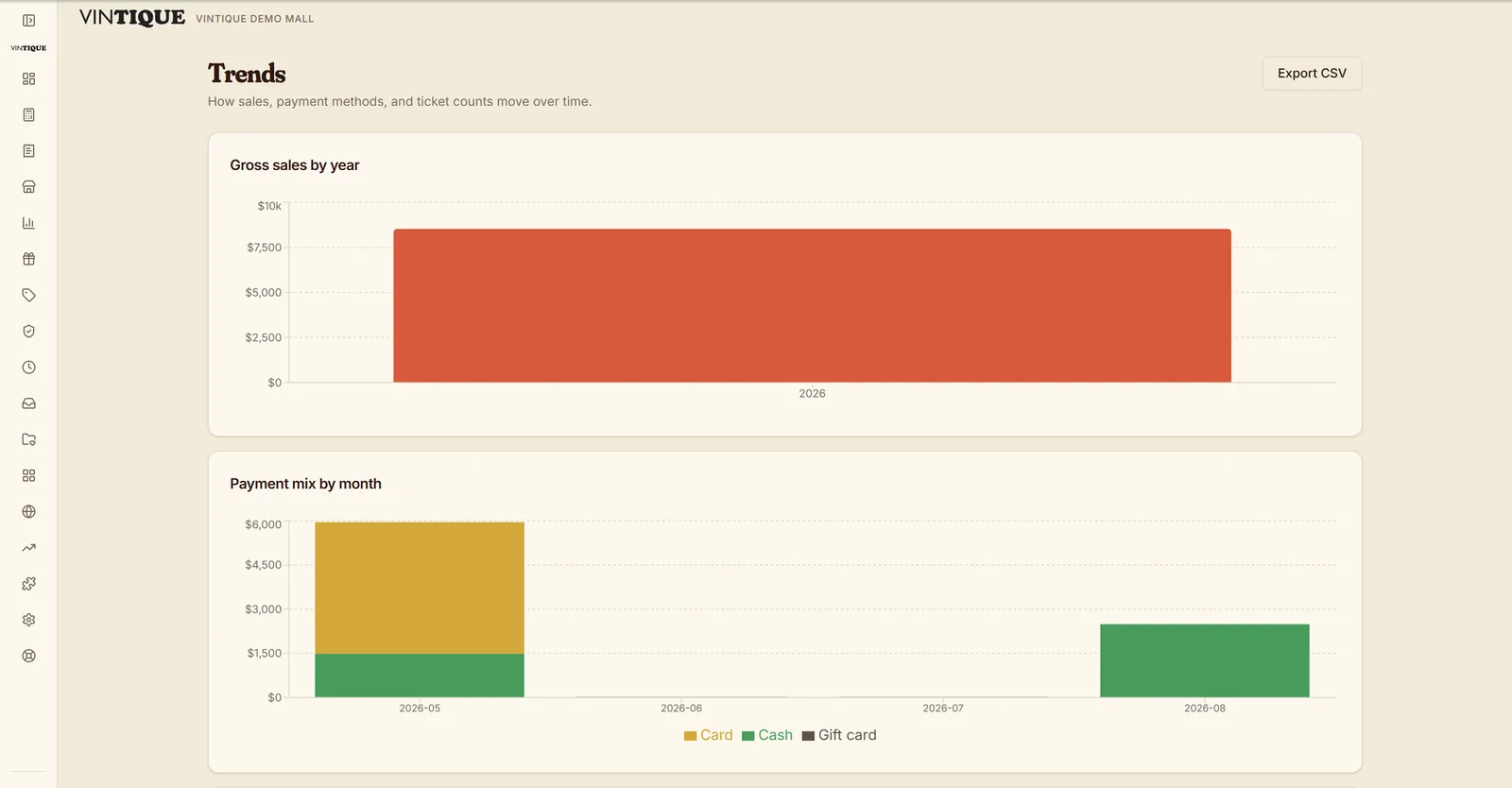
- What-sells trends by booth & category
- Rent roll & dealer statements
- Bank CSV matching & account reconciliation
- Month-end close with saved snapshots
- Quarterly close exports for your bookkeeper
- CSV / PDF report exports
- Configurable sales-tax settings · resale IDs
Questions malls ask
How should I review my sales-tax setup?
Confirm your requirements with the relevant revenue department or your accountant, then review your mall settings before live sales. Revisit the setup when your location, products, sales channels, or local requirements change.
Does this connect to QuickBooks or file my taxes?
Use Vintique's report and close exports with your bookkeeper today. Direct QuickBooks posting is not publicly available. Tax filing, payroll payments, and remittances remain with you and your existing services.
How do dealers get their numbers?
Their portal shows sales live, and month-end statements land in the portal and by email.
Go deeper:Exporting data from an antique-mall POSSales tax for antique malls: setup and records — from Insights